See EasyTask in action.
A guided tour through the screens your team will live in every day: kanban, real-time editing, analytics, mobile, and AI.
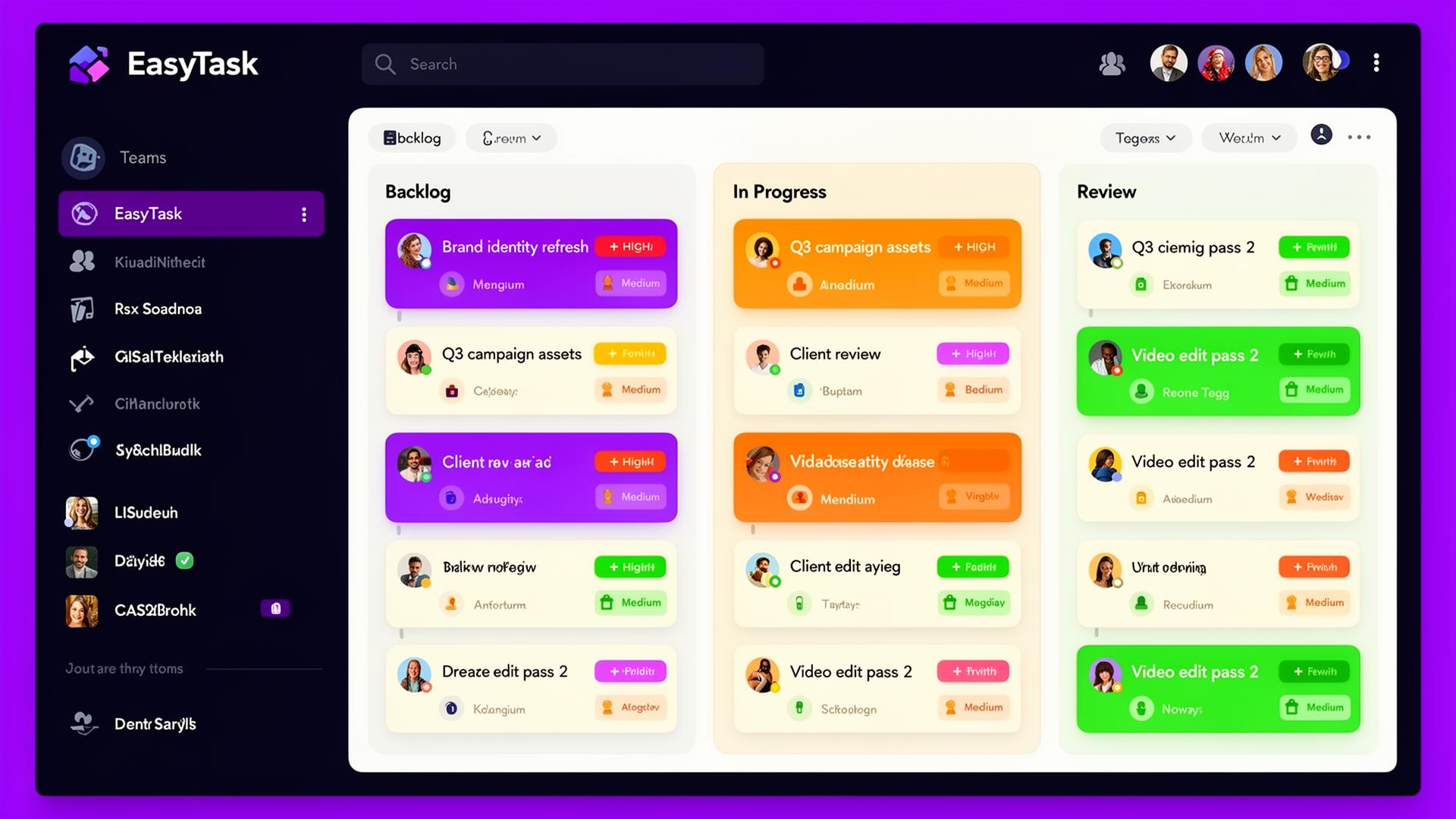
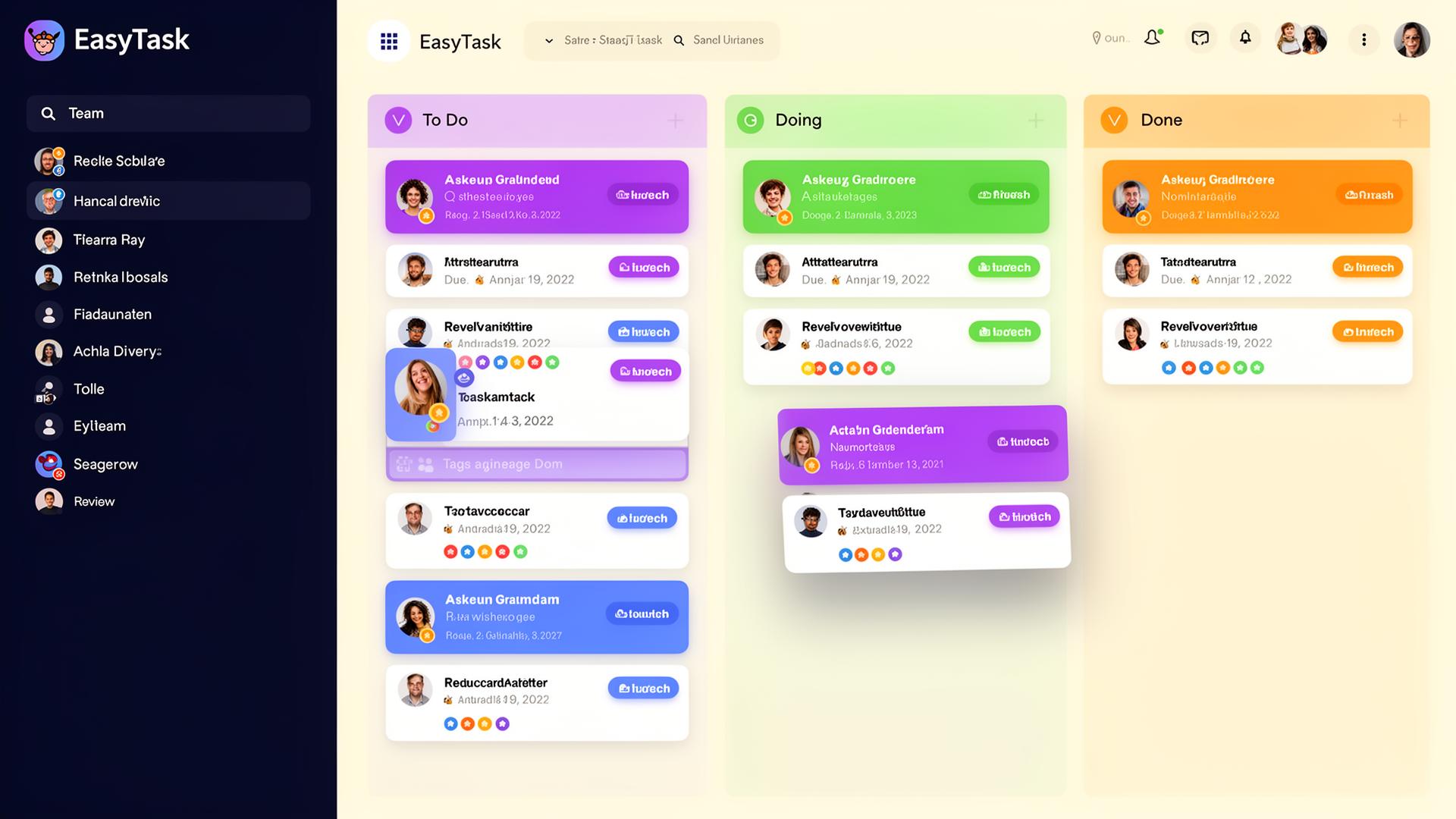
Drag, drop, ship.
A flexible board that mirrors your team's real workflow. Cards flow left to right and bottlenecks become impossible to miss.
- Custom statuses per team
- Color-coded labels and priorities
- Smart filters and saved views
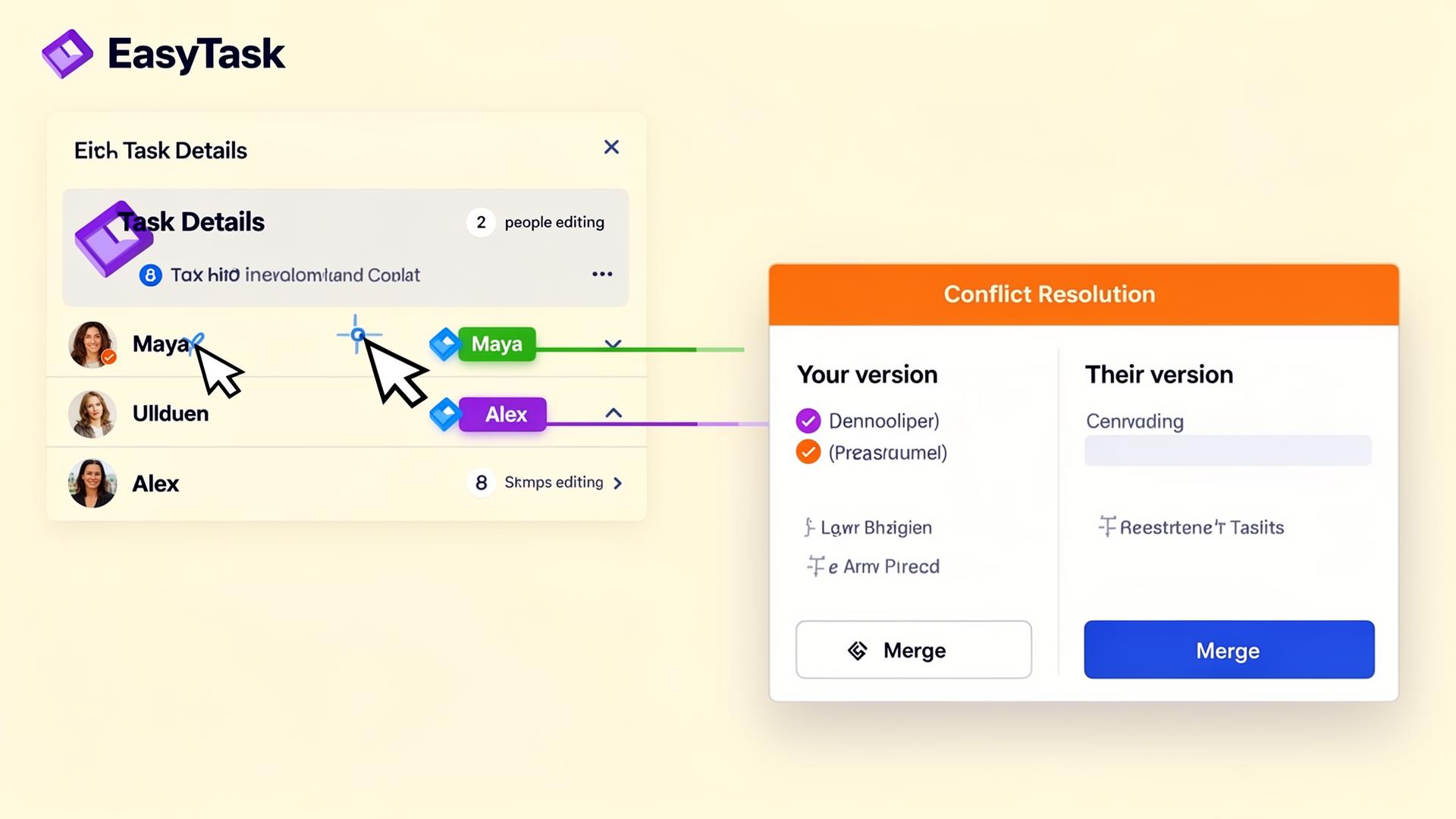
Edit together. Never lose work.
Updates appear in ~100ms with optimistic UI and version-aware conflict resolution. Two people on the same task is a feature, not a bug.
- Live cursors and presence
- Side-by-side conflict merge
- Soft locks while teammates type
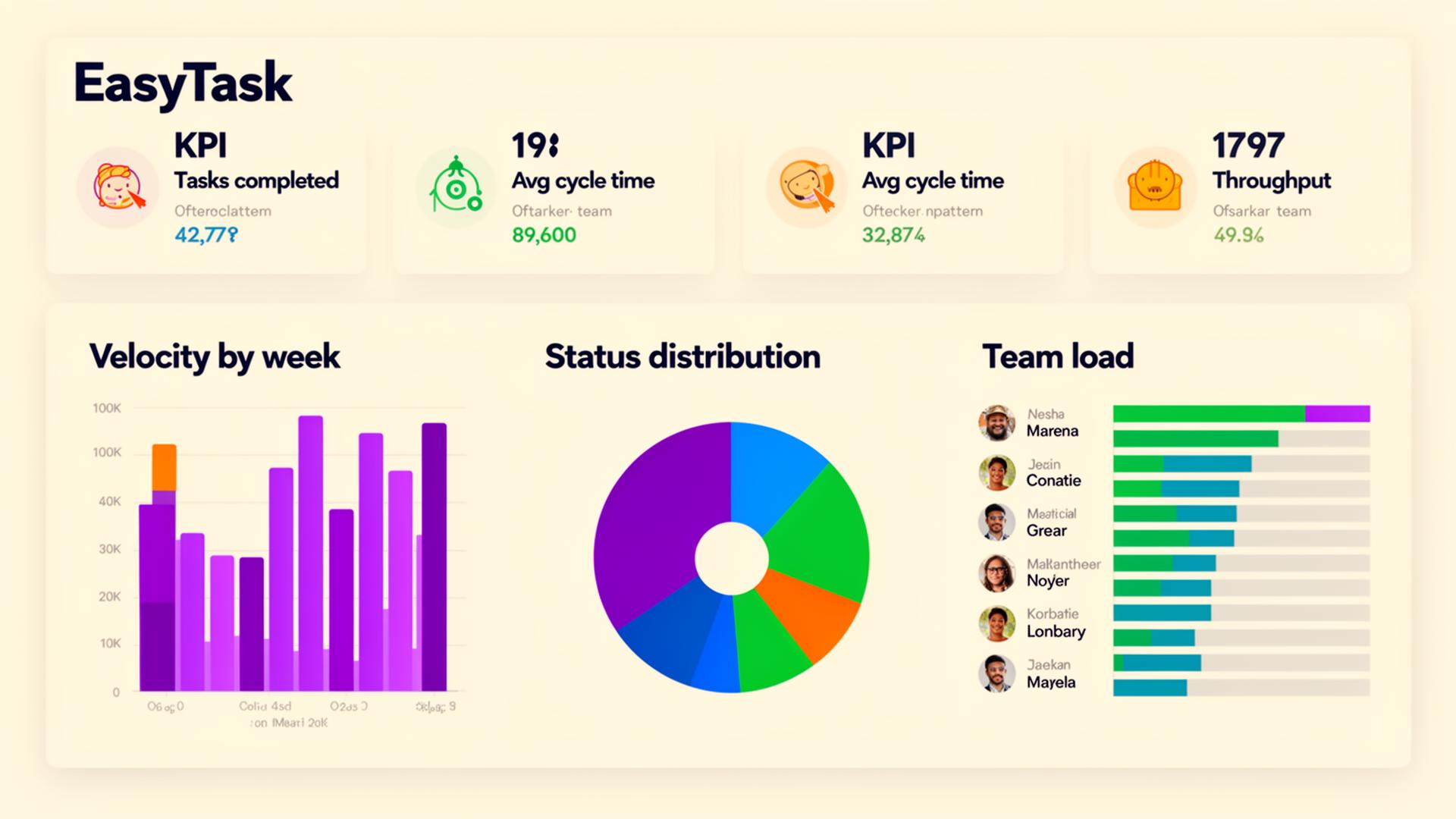
The numbers that matter.
Lean dashboards built around throughput, cycle time, and team load: the metrics that actually tell you whether your process is improving.
- Velocity and throughput trends
- Status distribution at a glance
- Team load before it becomes overload
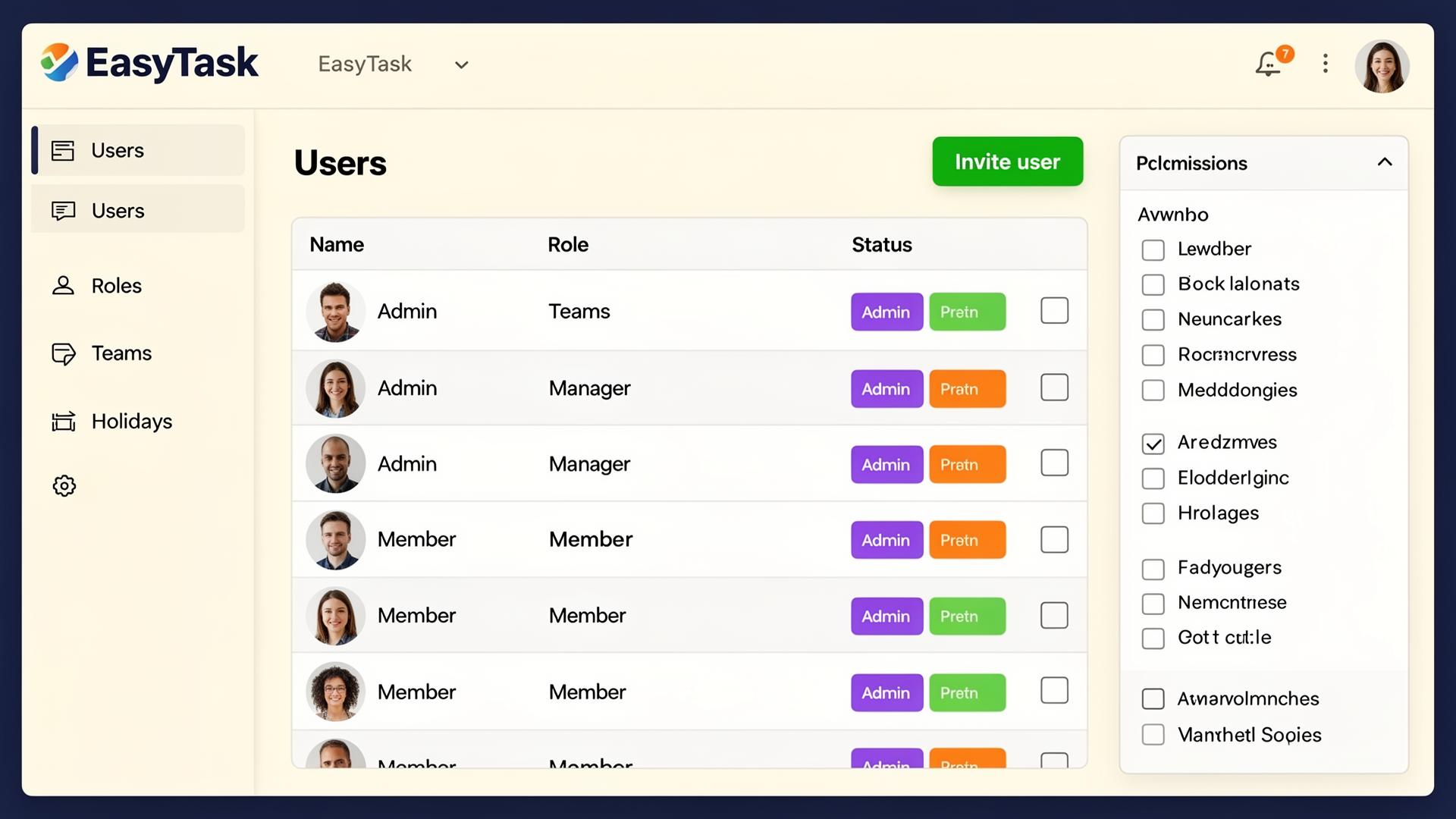
Structural security.
Roles live in their own table and access is enforced at the database with row-level security. Even a misconfigured request can't bypass it.
- Row-level security on every table
- Custom roles and team scopes
- Admin panel for invites and access
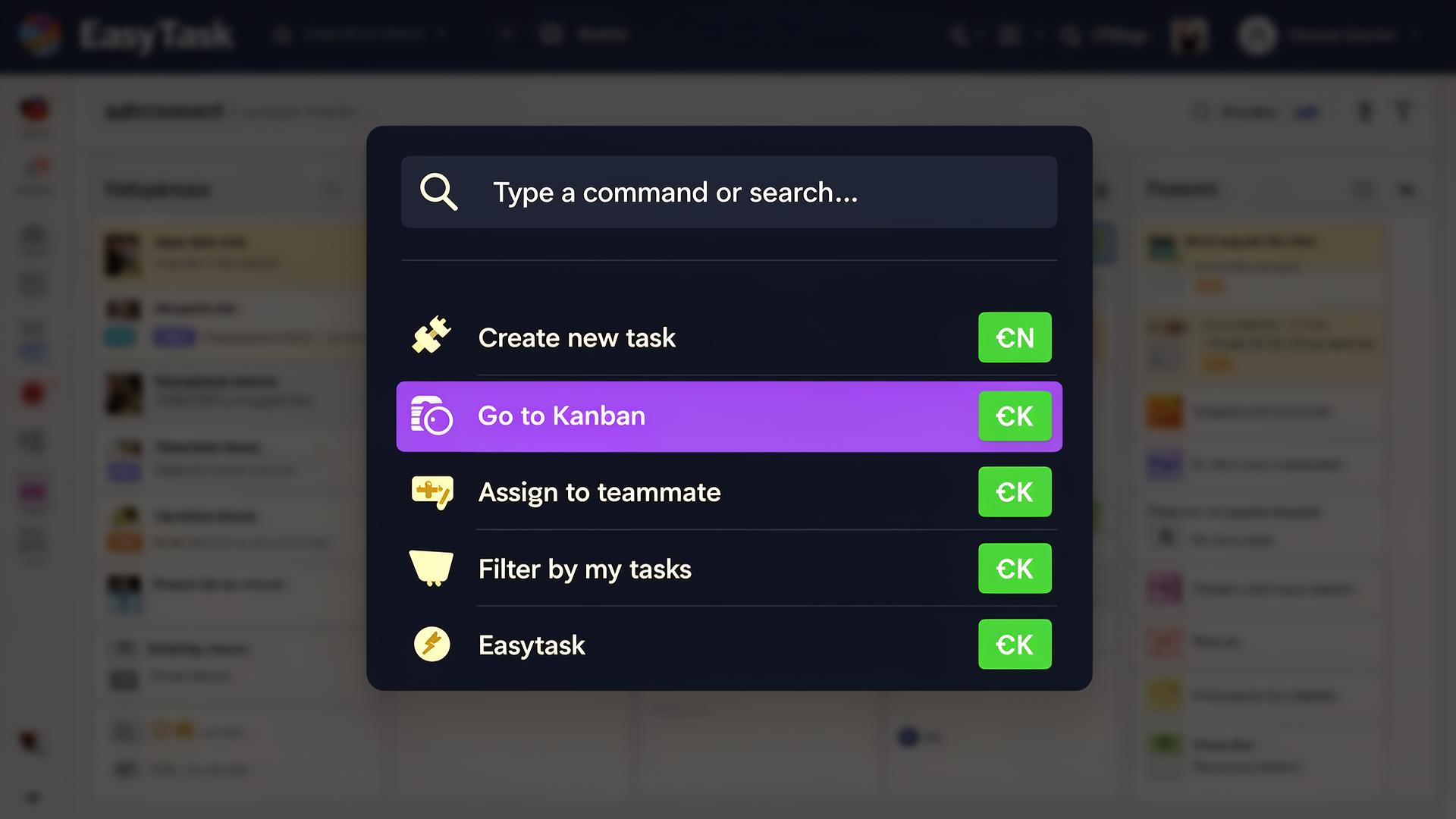
Stay in flow.
One shortcut, every action. Jump to any task, view, or filter without leaving the keyboard.
- Command palette (⌘K)
- Keyboard shortcuts for everything
- Bulk operations across tasks
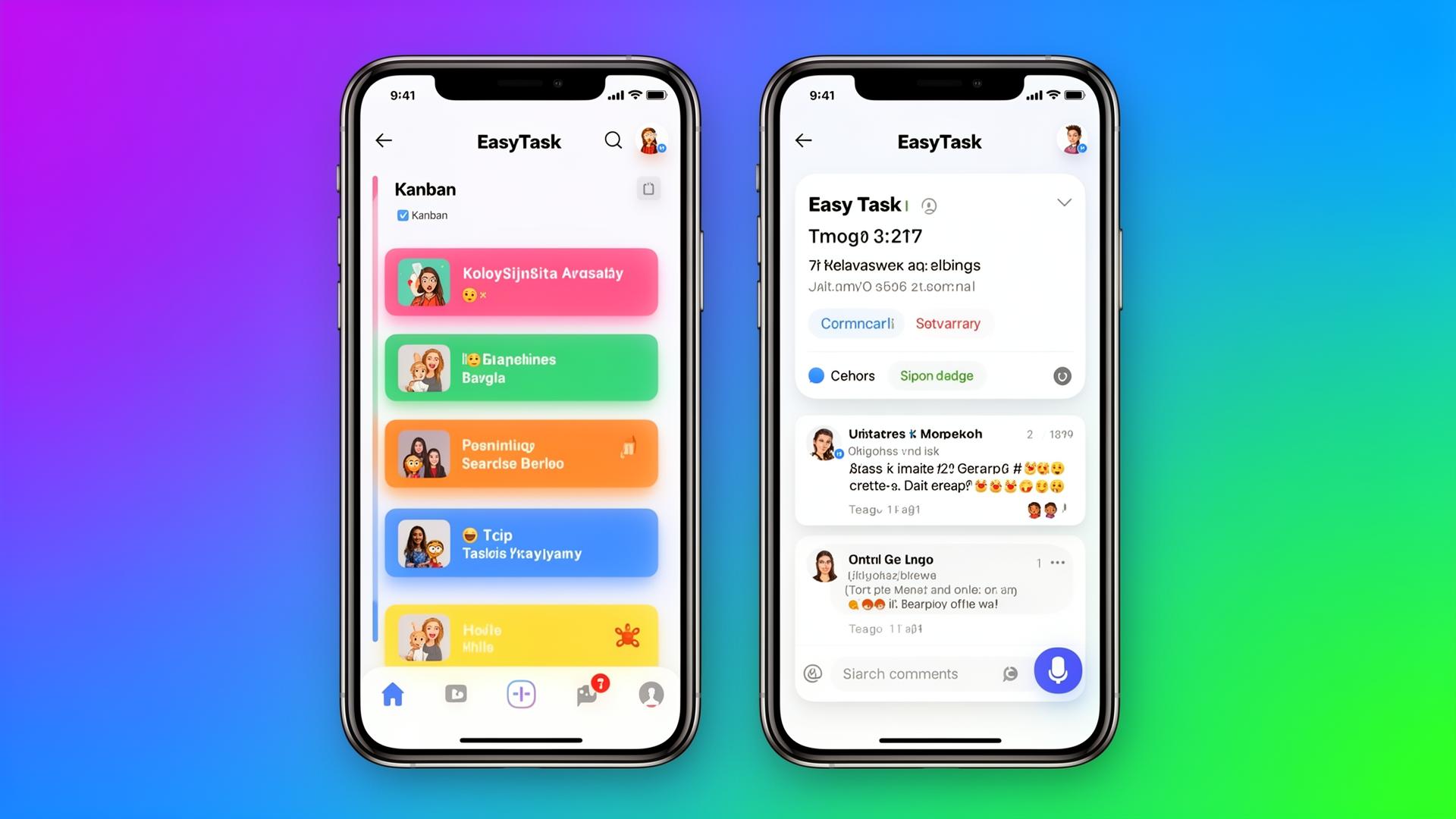
Your board, in your pocket.
A mobile experience built for quick reviews, comments, and approvals, not a watered-down version of the desktop app.
- Touch-first kanban
- Comment and approve on the go
- Push notifications that actually matter
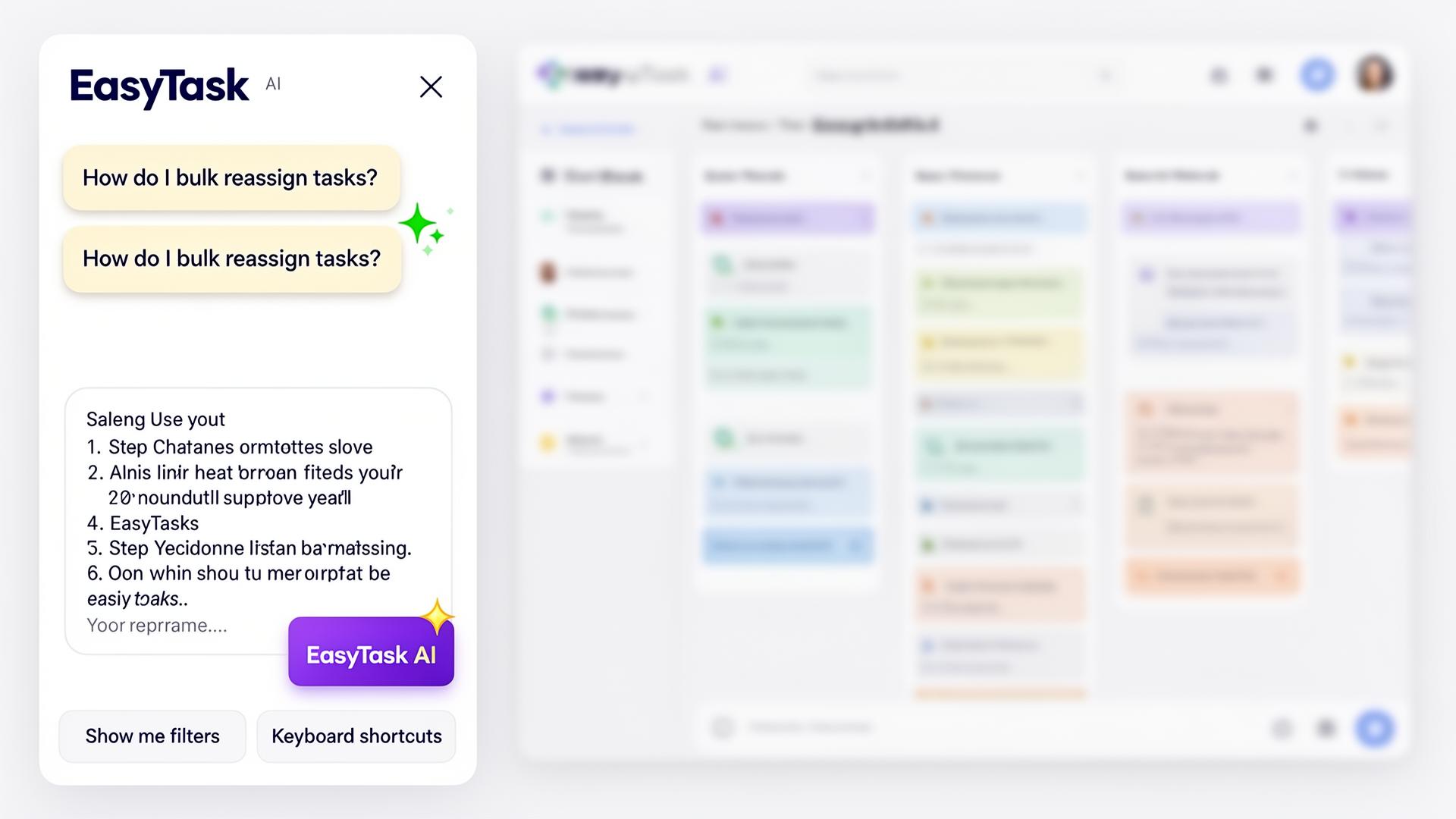
Self-serve onboarding, 24/7.
An AI assistant trained on EasyTask's own docs answers how-to questions instantly, backed by a searchable help center for deep dives.
- Conversational, context-aware answers
- Searchable help center
- Suggested next actions
Want the live, not-a-screenshot version?
We'll walk you through your team's actual workflow on a quick WhatsApp call. No forms, no demos with sales reps reading scripts.
Decisions live on the task.
No more digging through Slack or email. Threaded, rich-text comments with @mentions keep every decision attached to the work.